
Getting started
Sign in, find your way around the dashboard and set it to your language.
Sign in
Open your agency's Alivio address in the browser (for example https://youragency.aliviohome.com) and sign in with the email and password of your Alivio account.
Forgot your password? Click Forgot Password? on the sign-in page and follow the email you receive.
Find your way around
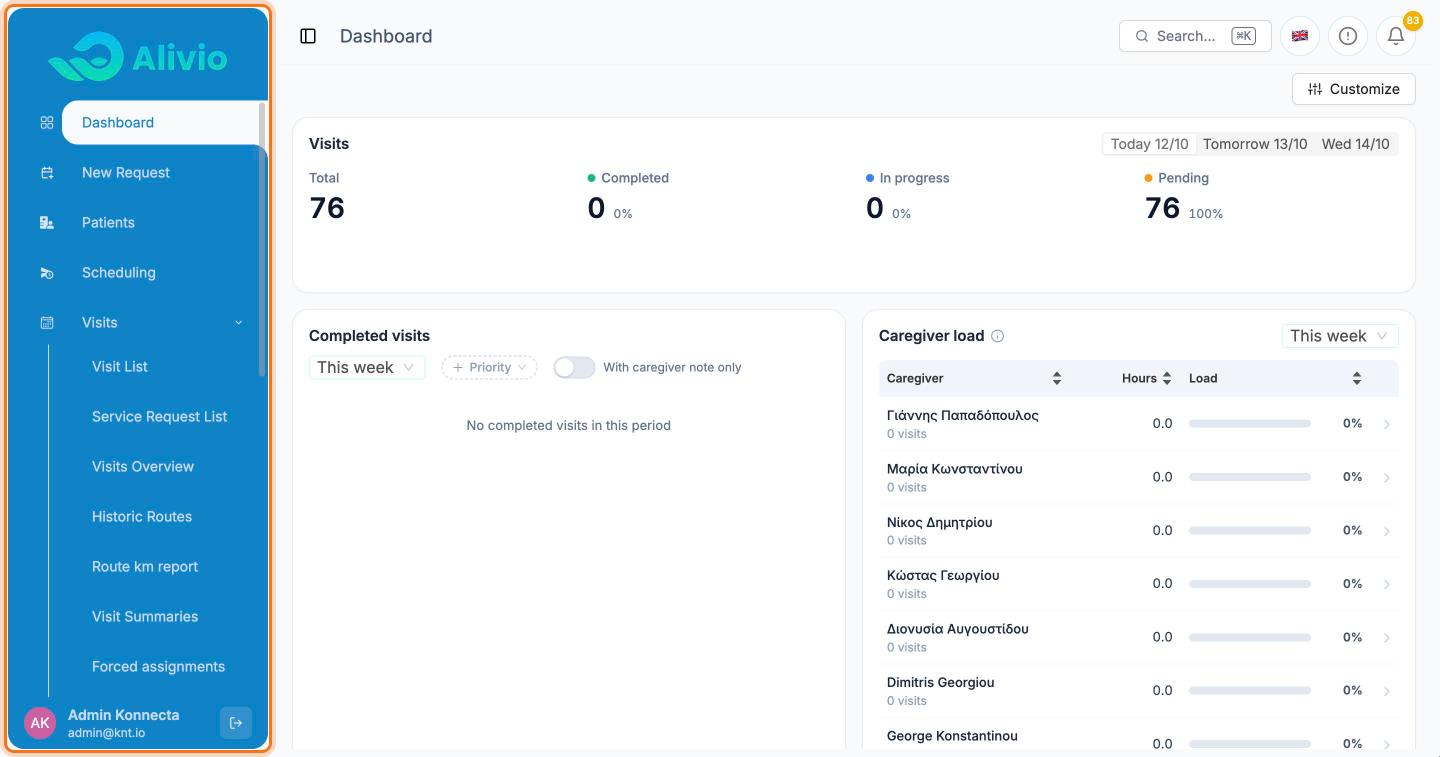
Everything starts from the side menu on the left. The items you will use most:
- Dashboard: today's visits at a glance
- New Request: create a service request, which is how visits are planned
- Patients: your patient records
- Scheduling: the planning board where you assign caregivers
- Visits: every visit and service request, with reports
- Billing: payments, balances and ledgers
The menu scrolls. Further down, Team holds Caregivers, Shifts and Doctors, and Settings holds Users, Services and Service Packages.
TIP
Click the small panel icon to the left of the page title to collapse the menu and give the page more room.
Change the language
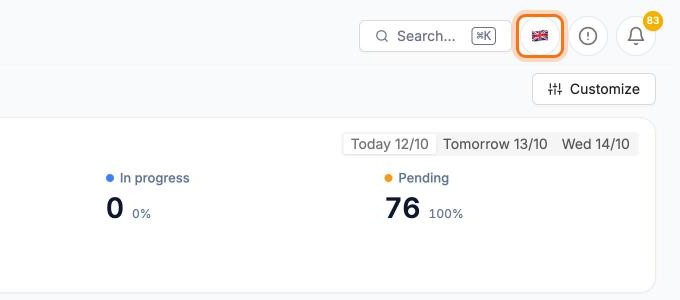
Click the flag in the top bar to switch the dashboard between English and Greek. The change is immediate, and this browser remembers your choice.
Search anything
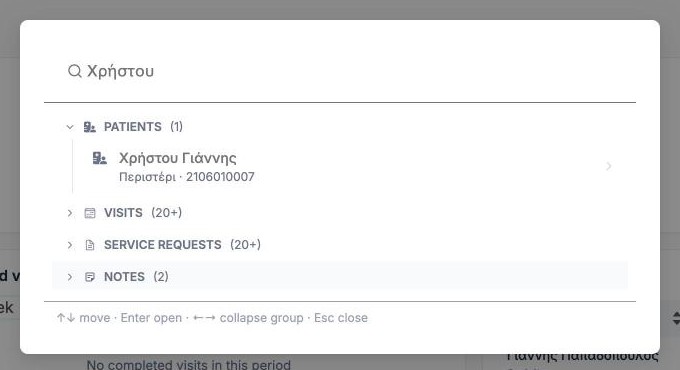
Click Search… in the top bar, or press ⌘ K (Ctrl K on Windows). Type a patient name, phone or address. Results are grouped into Patients, Visits, Service Requests and Notes.
Use the arrow keys to move and Enter to open a result.
Related
- Working with lists: columns, filters, search and Excel export
- Patients